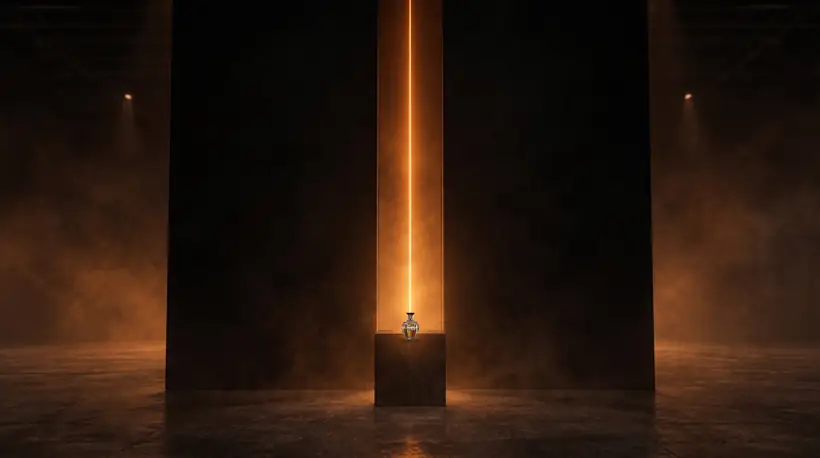
See your stand before anyone builds it
Describe the stand or send the show plan. You get a concept picture, a 3D model to turn and set beside a person, and the stand in a scene.
It appears here.
A concept picture. A 3D model you can turn and set beside a person. The model in a scene.
Four steps from an idea to a design
Describe it
Say what the exhibition stand is, how big it is and where it will be. A photo helps if you have one.
We draw it
A concept picture first, then a 3D model of the exhibition stand that you can turn and set beside a person.
See it in a scene
The model is placed in a believable scene, so you can see how the exhibition stand reads at size.
Send it to us
If it looks right, send it to the studio. A person reads your design and replies.
What do I get from the studio?
A concept picture of the exhibition stand you described, a 3D model you can turn and set beside a person, and a picture of the model in a scene. Each can be downloaded.
Is it free?
Yes. Each visitor can make one design a day.
How long does it take?
About six minutes. You can leave the page open and come back. Your design will be here on the same device.
Is the size right?
If you say how big the exhibition stand is, the model is shown at that size beside a person. If you do not, it is shown at about one and a quarter metres and you can tell us the real size.
Who sees what I send?
The studio keeps your description and photo so a person can look at your design if you get in touch. They are not shown on the site.
What happens when I send it to the studio?
A person reads your design and your message and replies within two working days.
Send us the organiser's manual and your plot number.
A floor plan with the plot marked helps too. The reply comes from someone who has read the manual before answering.
Or write to info@stillroomcreative.com
Hal is automated and asks the questions a stand job starts from: the show, your plot number and its size. Someone reads the organiser's manual from there.